River Hunter Controls Guide
Map cast, fight, and boat inputs so timing windows stop feeling random.
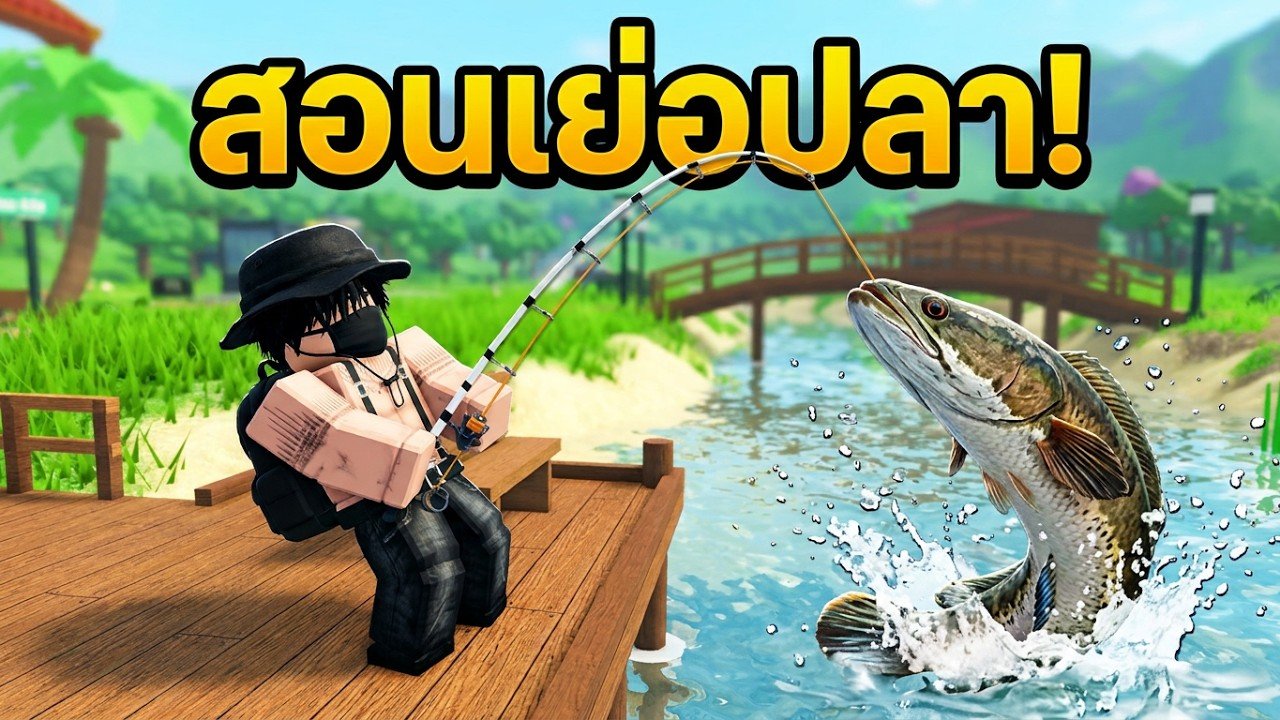
River Hunter asks for precise inputs during bites and fights. If your fingers are on the wrong control, even perfect game sense looks like a miss. This page outlines the control expectations on PC and mobile, how they map to the fishing loop, and how to reduce lag-related mistakes on crowded servers.
Exact keybinds can shift slightly with patches, so treat this as a layout guide: learn which action is cast, which is reel/fight, which steers the boat, and which opens codes or inventory. After any UI update, re-check in a private calm bank before a boss run.
Mental model
Separate controls into four buckets:
- Movement — walk banks, climb docks, board boats.
- Fishing — equip, cast, hook, fight reacts, cancel.
- Boat — throttle, steer, stop for precision casts.
- Menus — codes, inventory, aquarium feed, shop.
Mixing boat throttle with fight reacts is a top way to snap line. Stop the boat, then fight.
PC expectations
On keyboard and mouse you typically:
- Move with WASD and camera with mouse.
- Equip rod from hotbar or inventory.
- Hold/release or click to charge and cast (follow on-screen prompt).
- Press the interact/reel control when the bite cue appears.
- Tap the fight react control on each surge—do not hold spam unless the UI clearly wants a hold.
- Use separate keys or on-screen buttons for boat throttle versus fishing.
Practice the cast release point until it is muscle memory. Then drill fight reacts on commons using How to Fish.
Mobile expectations
Mobile players get on-screen joysticks and context buttons. Challenges:
- Thumbs covering bite cues,
- Latency on peak-hour servers,
- Accidental camera drags during fights,
- Boat steering overlapping reel buttons.
Mitigations:
- Increase UI scale if available.
- Stop the boat before hard fights.
- Use shorter casts while learning.
- Lower graphics to stabilize frame time.
- Face away from dense boat traffic when possible.
If fights feel impossible only on mobile, test the same stretch on PC once to separate skill issues from input lag.
Bite and fight inputs
| Phase | What you should do | Common mistake |
|---|---|---|
| Idle float | Hands ready, no spam | Nervous early reel |
| Bite cue | One clean hook input | Mashing |
| Fight surge | On-beat react | Late panic taps |
| Land | Confirm UI finish | Greedy yank |
Miss text usually means timing, not a broken rod. Re-read the how-to-fish timing section before you rewrite your keybinds.
Boat controls under pressure
During a boss run from Boss Fish:
- Position with boat controls only.
- Lock throttle to stop or gentle hold.
- Switch mental focus to fishing reacts.
- Between surges, micro-adjust heading away from stumps.
- Never AFK on the throttle while the fish runs under the hull.
More travel habits sit in Boats and Travel.
HUD buttons you must find day one
- Codes / gifts — redeem Codes
- Inventory / hotbar — bait and rod swaps
- Aquarium / house access — feed tanks from Aquarium and Money
- Shop / boat vendor markers
- Settings — graphics and maybe relocated code entry after patches
Add a HUD scavenger hunt to your first Getting Started session.
Accessibility and comfort
- Sit so shoulders are relaxed; tense arms miss windows.
- Use headphones if audio cues help your build.
- Take breaks after snaps—tilt makes timing worse.
- Remap only one control at a time so muscle memory can catch up.
Server lag checklist
If inputs feel delayed:
- Note ping/performance.
- Hop servers if the river is packed.
- Reduce graphics.
- Avoid fighting during teleport-heavy dock chaos.
- Report persistent bugs through normal Roblox channels; check Updates for known issues.
Practice routine (10 minutes)
- Equip starter-friendly bait.
- Make ten short casts with zero snags.
- Land five commons with zero miss text.
- Board the boat, stop, cast five more.
- Only then attempt a snakehead.
This routine pairs perfectly with the Session Checklist.
Related pages
- Players Hub for etiquette and crowd tips
- Tier List once controls feel honest
- Scripts if you are researching automation risks (ban awareness)
Own your inputs and River Hunter’s fight system starts teaching you instead of punishing you.
Frequently Asked Questions
Quick answers about codes, fishing, boats, and boss fish.
What are the River Hunter controls on PC?
Expect WASD move, mouse camera, cast/release, then dedicated reel and fight reacts. Confirm prompts in-game after patches and drill with How to Fish.
Why is mobile fishing harder?
Overlapping UI, camera drags, and lag. Stop the boat, shorten casts, lower graphics, and see tips above.
Where is the Codes button?
Usually on the HUD or under Settings/gifts after updates. Redeem steps are on the Codes Hub.
Should I steer and fight at the same time?
Position first, then fight. Mixing throttle with reacts causes snaps—see Boats and Travel.
Do controls change after updates?
UI placement can move. Re-check after reading Updates before a boss session.