River Hunter Tools
Checklists and wiki utilities for cleaner fishing sessions after launch.
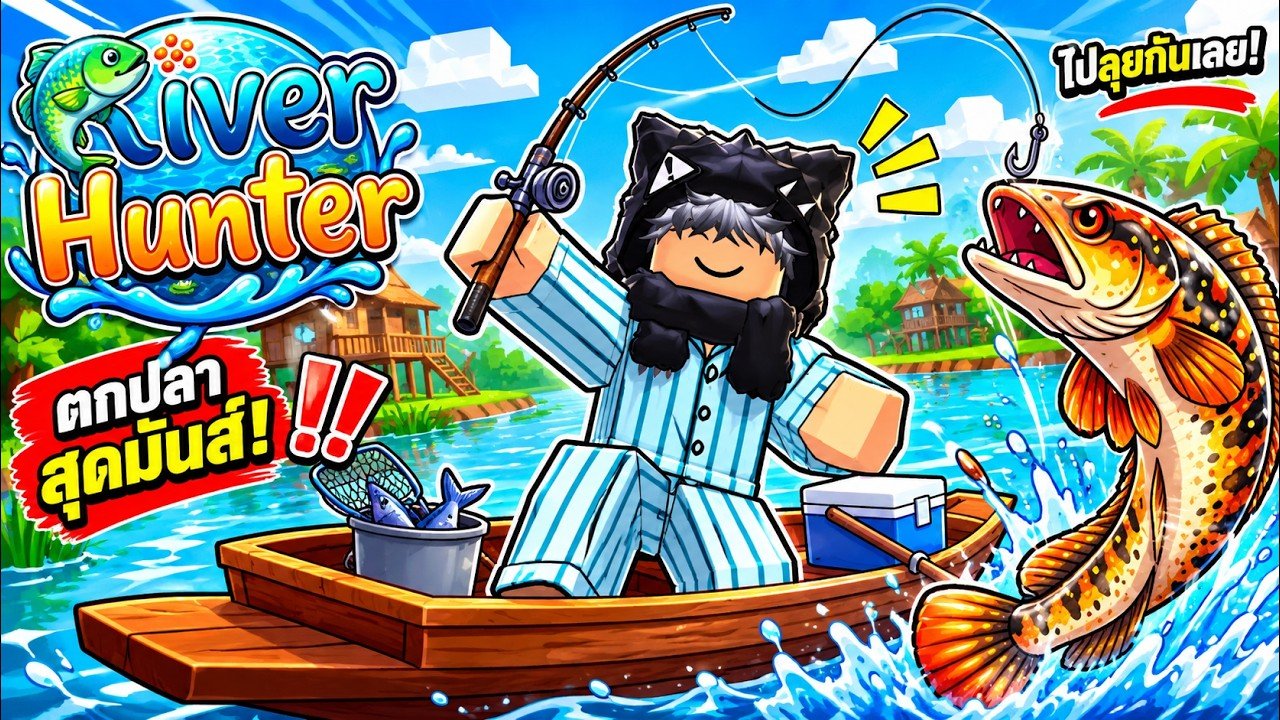
Top-chart Roblox games punish disorganized sessions. River Hunter is no exception: codes expire from attention, aquarium fish get hungry, rods snag, boats matter, and boss fish break lines. The Tools Hub collects lightweight utilities that keep those moving parts in order without turning the wiki into a spreadsheet cult.
Featured tool
Session Checklist
A practical pre-session list covering:
- Redeeming active codes (
1MVISITS,LOCKUP) with exact casing - Feeding aquarium fish before a long river run
- Checking rod and line strength versus tonight’s target
- Confirming boat status before Great River or boss routes
- Boss prep reminders tied to Boss Fish
Print it mentally, keep the tab open, or mirror it in a notes app. The goal is fewer “I forgot to redeem codes” moments after a two-hour grind.
How wiki tools fit the River Hunter loop
- Plan with the Tier List Hub so you know whether you are cash farming or prestige hunting.
- Prepare with the Session Checklist.
- Execute using How to Fish and travel tips in Boats and Travel.
- Bank value through Aquarium and Money.
- Recheck Updates and Codes when a patch drops midweek.
Tools do not replace skill. They stop preventable losses—hungry tanks, underpowered line on พญาปลาบึก, or sailing out before claiming free rewards.
Utilities this wiki already provides
Beyond the checklist page, treat these hubs as living utilities:
- Codes Hub — active promo table and redemption steps
- Guides Hub — ordered walkthrough index
- Updates Hub — launch and patch timeline
- Players / Controls — input reference for PC and mobile
- Scripts Hub — risk framing if you research executors (no fake loadstrings here)
- Wiki Hub — full site orientation
Why we keep tools simple
River Hunter launched November 18, 2026 and iterated quickly. Fancy calculators go stale when economy numbers shift. A checklist that asks “did you feed the aquarium?” stays useful across patches. When the community confirms stable numeric formulas for sell rates or boss HP, we can extend tools—until then, reliability beats fake precision.
Suggested routine
- Cold start after work: checklist → codes → twenty minutes of common fish warm-up → one serious target.
- Boss night: checklist with extra line/boat boxes → Boss Fish loadout review → private or friend server if kick griefing is rampant (Players Hub).
- Post-patch night: November patch skim → codes → short re-learn casts before staking rares.
Related reading
Open the checklist before you join Roblox. Your future self—staring at a broken line beside a stump—will thank you.
Keep tools beside the hubs
When you finish a checklist run, jump straight into the page that matches tonight’s goal instead of browsing randomly. Money nights belong with Aquarium and Money. Boss nights belong with Boss Fish. Chart-chasing nights after a visit milestone belong with Codes and Updates. The Tools Hub is the launchpad; the other hubs are the destinations.
Frequently Asked Questions
Quick answers about codes, fishing, boats, and boss fish.
What tools does this wiki offer?
Start with the Session Checklist. Hubs for Codes, Guides, and Updates act as living utilities too.
Should I use the checklist every session?
Yes for anything longer than a quick cast—especially before bosses or after patches when codes may have changed.
Do you have a damage calculator?
Not yet. Early post-launch numbers shift quickly; a stable checklist is more reliable until economy formulas settle.
Where do I track codes inside the tool flow?
The checklist reminds you to redeem; the live list lives on the Codes Hub with casing notes for 1MVISITS and LOCKUP.
Can tools replace fishing skill?
No. Pair checklists with How to Fish so preparation and timing improve together.